Why Giscus comments don't load in Safari private windows — and why I'm not fixing it
cyber-security web-security privacy giscus learning-in-public
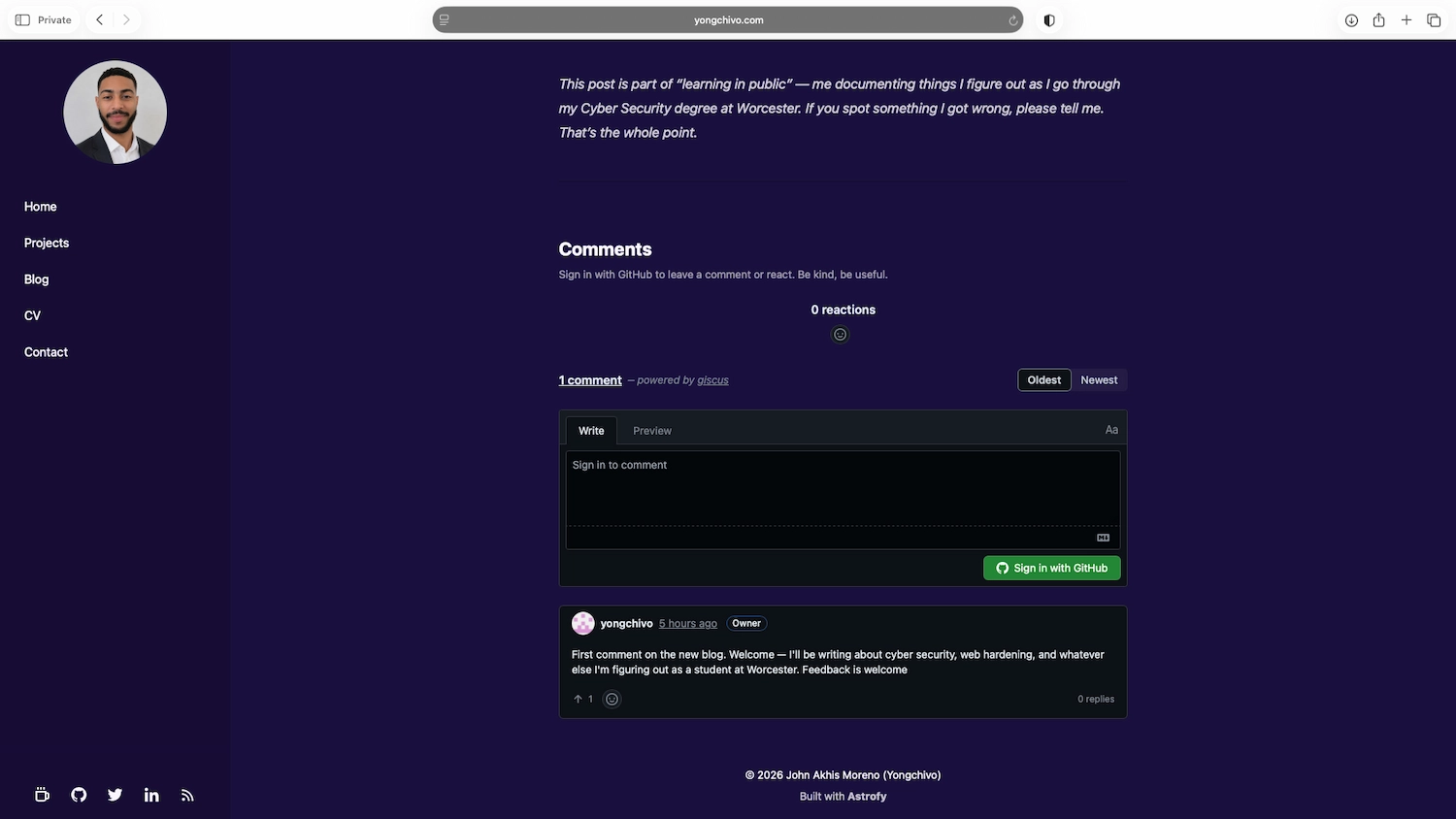
Shortly after adding Giscus comments to this blog, I noticed something odd. In a normal browser window, the comment widget loads fine — you can react, sign in with GitHub, leave a comment. But open the same post in a Safari private window and one of two things happens: the widget spins on “Loading comments…” for a few seconds and then refreshes the page, or you click “Sign in with GitHub” and the page refreshes instead of taking you to GitHub.
No error messages. No console warnings visible to the user. Just a silent failure.
My first instinct was that I had misconfigured something. I spent a while checking the Content Security Policy, the Giscus settings, the GitHub Discussions configuration. Everything looked correct. And it was — the problem wasn’t my configuration. It was Safari doing exactly what it’s designed to do.
What Giscus actually is under the hood
To understand why this breaks, it helps to know what Giscus is doing technically.
Giscus is not a hosted comment database. It’s a thin layer on top of
GitHub Discussions. When you load a page with Giscus, it injects an
<iframe> that points to giscus.app. That iframe talks to the GitHub
API to fetch comments for the current URL, and if you want to leave a
comment or react, it needs you to be authenticated with GitHub.
The authentication works through GitHub’s session cookies. When you’re
logged into GitHub in your browser, those cookies are stored under
github.com. When the Giscus iframe (running under giscus.app) needs to
authenticate you with GitHub, it tries to access those cookies.
This is called a cross-site request: a resource at giscus.app
(embedded in yongchivo.com) trying to read cookies set by github.com.
And that’s exactly what Safari’s Intelligent Tracking Prevention is
designed to block.
What is Intelligent Tracking Prevention
ITP is Apple’s anti-tracking technology, built into Safari since 2017 and significantly tightened over the years. Its purpose is to stop advertising networks and third-party trackers from following you across websites using cookies.
The mechanism is straightforward: by default, Safari blocks third-party cookies — cookies set by a domain other than the one you’re currently visiting. In a normal browsing session, ITP makes exceptions for domains you’ve interacted with directly. But in a private window, those exceptions don’t carry over. Every private window starts from scratch, with no stored permissions, no cached exceptions, no prior interactions.
So when Giscus tries to access GitHub session cookies from within its iframe:
- Normal window: Safari may allow it if you’ve visited GitHub recently.
- Private window: Safari blocks it unconditionally. The iframe can’t authenticate, the page refresh is Safari terminating the failed OAuth flow, and the whole widget fails silently.
This isn’t a bug in Giscus. It isn’t a misconfiguration on my end. It’s Safari enforcing a privacy boundary that exists to protect users from cross-site tracking.
Why I’m not going to fix it
The “fix” would be to host a comment system that doesn’t rely on third-party cookies — something that runs entirely on my own domain, with its own authentication. That would mean running a server, managing a database, handling user accounts, and taking on the security responsibility that comes with storing credentials and personal data.
For a static portfolio blog, that trade-off makes no sense. I’d be introducing real attack surface — authentication endpoints, a database with user data, session management — to solve a problem that affects a small minority of visitors using a specific browser in a specific mode.
More importantly: the users most likely to use Safari private windows are privacy-conscious users. Those are exactly the people who understand why cross-site cookies get blocked. They’re not going to be surprised that a GitHub-based comment widget doesn’t work in private mode. They’d be more surprised if it did.
What this taught me about threat modelling
This situation is a small example of a principle that comes up constantly in security: every control has a cost, and the cost has to be weighed against the actual risk.
ITP blocks cross-site cookies because the risk of third-party tracking is real and widespread. The cost is that some legitimate use cases — like Giscus — break in private windows. Apple decided that trade-off was worth it. For a browser used by hundreds of millions of people, it probably is.
On my end, the same principle applies in reverse. I could “fix” the private window problem by replacing Giscus with a self-hosted solution. The cost would be server infrastructure, a database, authentication code, and ongoing maintenance. The risk being mitigated is that some privacy-focused users can’t leave comments in private mode. That trade-off is not worth it.
Knowing when not to build something is as important as knowing how to build it.
A note on Chrome
I only tested this in Safari. Chrome handles third-party cookies differently — it has been in the process of phasing them out for years but still allows them in more situations than Safari does. Giscus may work in Chrome private windows depending on your version and settings. If you’ve tested it and have results, leave a comment below.
Part of “learning in public” — documenting things I figure out as I go through my Cyber Security degree at Worcester. If something here is wrong or incomplete, tell me.
Comments
Sign in with GitHub to leave a comment or react. Be kind, be useful.